
Protect Every Device at Home With a Single VPN Router Setup
Configure PIA VPN on your router to boost privacy on every device in your home
- Use a VPN with devices that don’t support VPN apps
- Add protection to every connected device with one router setup
- Help keep your browsing private from your ISP
- 30-day money-back guarantee for new subscribers

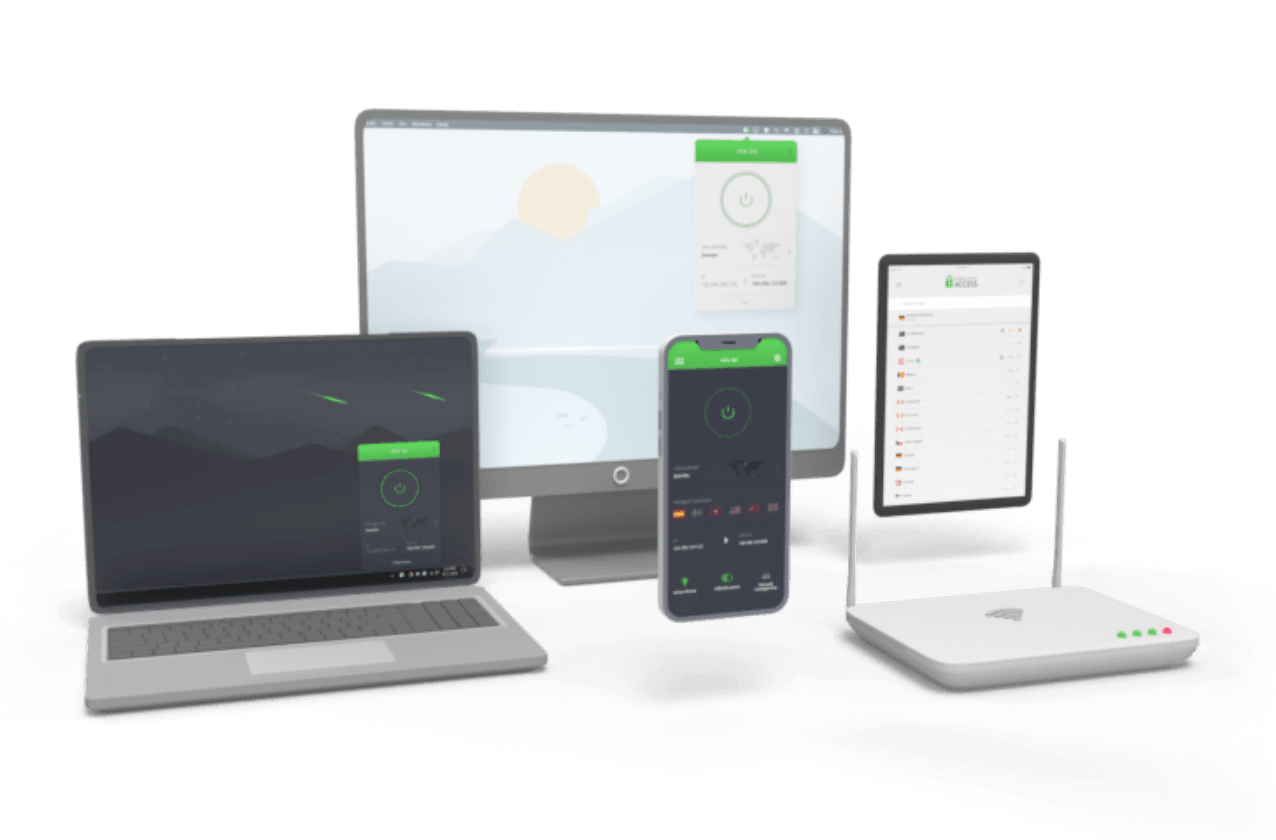
Protection For All Your Devices
How to Set Up a Router VPN in 3 Easy Steps
How to Set Up a Router VPN in 3 Easy Steps
Get extra protection for any device as soon as it joins your network


Step 3
Boost your privacy on all your devices.
How Does a VPN Router Work?
Instead of setting up a VPN app on every individual device, a VPN router allows you to add VPN functionality to the router itself. Any device connected to it automatically gets VPN protection, including gaming consoles, smart TVs, and IoT devices.
Like a VPN app, a VPN for your router encrypts your internet traffic and swaps your IP address for one from the VPN server, helping to prevent ISP monitoring and giving you more privacy online.
Many routers support VPNs out of the box, but you can also use open-source firmware to add VPN support to some models.

Why Use a VPN Router for Home?
Ramp Up Your Privacy
Encrypt everything that leaves your home network, so your ISP and other third parties can’t readily see what you’re doing online. Paired with PIA’s court-tested No-Logs policy and RAM-only servers that wipe data with every reboot, and you can surf the web on your own terms with minimal digital footprint.
Protect Your Whole Network
Extend VPN encryption to every gadget that connects to your Wi-Fi network. Smart TVs, game consoles, Wi-Fi speakers, and other smart home devices are often the least secure devices in your home – and they usually don’t support VPN apps. A router-level VPN connection is the easiest and most convenient way to give them more protection.


Set It and Forget It
Set PIA up on your router once and your devices stay covered by default. There’s no app to open, no button to tap, and no having to remind yourself to connect before you go online. That means fewer gaps in your protection, which is especially helpful when you have friends and family who are connecting to your network.
Single-Click Security
Control your whole network’s VPN connection from a single point instead of connecting to the VPN on each device. You can set up split tunneling to determine which devices run through the VPN and which run through your regular ISP. This helps to give you the best balance of speed and security for your home network setup.
Hide Your Real Location
Stop websites, advertisers, and trackers from seeing your real IP and connecting your household’s traffic to your real location. Your VPN router swaps your real IP address for one from the PIA server you choose. With PIA VPN servers in 113 countries and every US state, it’s easy to find one wherever you need it.
Keep Speeds Consistent
Make it harder for your ISP to slow down specific high-data activities, like streaming and gaming. Because your VPN router encrypts all the traffic flowing to and from devices that are connected to your network, your provider can’t easily tell one activity from another and implement activity-based throttling.

Skip the Setup With a Ready-Made VPN Router
Get out-of-the-box complete home protection with FlashRouter, which comes with PIA pre-installed. Plug in, sign in with your PIA account, and connect. You’ll still need a PIA subscription, but there’s no firmware to install and no settings to configure.
Standard ISP-provided routers tend to offer fewer settings and privacy features. Many don’t support VPNs and some let your provider make changes remotely, which isn’t ideal when privacy is the goal. For more privacy and better control over your network, using your own VPN-compatible router is a much better choice.
VPN Router Essentials
| Feature | Why It Matters |
| VPN client support | Many routers advertise VPN server support, which isn’t the same thing. A VPN client connection is what lets your router connect to PIA. |
| A fast processor | Your router handles the encryption for every device, so a stronger processor helps keep speeds up. |
| Open-source firmware compatibility | If the stock software doesn’t support VPNs, compatible firmware gives you a way to add it. |
| Regular firmware updates | Manufacturers that release updates often fix security flaws faster |
| A recent Wi-Fi standard | Newer standards handle more devices at once without slowing down. |
| Installation guide | If PIA has a setup guide for your router type, setup will be faster. |
Power Your Privacy With PIA

Global Network
Choose from VPN servers in 180 locations across 113 countries. There’s always one nearby for a fast, steady connection.

Super-Fast Servers
Get reliable speeds from PIA’s 10-Gbps server network, built to handle your whole household’s traffic with ease.

Tough Encryption
Protect all your devices’ traffic with gold standard AES encryption to keep all your online activity more private.

Unlimited Bandwidth
Use as much data as your household needs. PIA doesn’t cap your VPN bandwidth and you’ll never run into a limit.

Discreet Connections
Disguise VPN traffic as regular traffic with multi-hop and obfuscation to make it difficult for your ISP to see your VPN connection.

24/7 Customer Support
Get expert answers whenever you need them. PIA’s customer support team is available 24/7 via live chat and email.
Stay Protected at Home and On the Go
Protect every device you own with one PIA subscription. Use your router VPN to cover smart TVs, consoles, and other gadgets at home, then install PIA’s apps on the phones and laptops you use on the go. There’s no limit on how many devices you can connect at once.
Router VPN: Frequently Asked Questions
Yes. Adding a VPN to your router protects every device in your home (including smart TVs, game consoles, and other gadgets that aren’t compatible with VPN apps) without having to install and manage the VPN on each one.
Yes, PIA is compatible with split tunneling on routers, but only on a per-device basis. This means you can choose which devices on your network use the VPN and which use your regular connection. For example, you could keep a smart home hub on your normal connection while your laptops and consoles go through our encrypted tunnel.
Check that your router supports VPN client connections, then subscribe to PIA and follow our step-by-step installation guides for routers. Once you connect to a server, the VPN will help protect every device that joins your network with no additional apps to install.
Not necessarily. Many routers support VPNs out-of-the-box and open-source firmware can add support to others. However, new firmware may affect your router’s warranty and it’s a good idea to check the manufacturer’s terms first. If you’d rather go plug-and-play, a FlashRouter comes with PIA pre-installed.
Yes, PIA works with a wide range of routers that support VPN client connections. Those supplied by ISPs are the main exception, since many don’t allow router VPN setup. If you have an ISP-issued router, consider buying your own router or a FlashRouter with a pre-installed PIA app ready to go.
Yes. FlashRouters come with PIA installed on the device. You can sign in with your PIA account and connect with no manual setup. Other routers may include built-in VPN client support, which lets you add PIA from the router’s settings. For either case, you’ll need an active PIA subscription.
A VPN router will slightly reduce your connection speed because it’s encrypting traffic for every connected device. A router with a fast processor connected to a nearby PIA server helps keep the impact small, and encryption can even help in some cases by making it harder for your ISP to throttle specific activities.
Probably not. Most ISPs usually configure their routers with fewer customization options and privacy features, allowing them to possibly keep an eye on your activity. This often means they aren’t compatible with VPNs. If you want stronger privacy and more control over your network, using your own VPN-compatible router is a much better choice.
Trusted By Millions Of Satisfied Customers
Here's a small sample of our most positive user reviews. All Trustpilot reviews are available here.
{"tweetsBtnText":"{Tweets}","userBtnText":"{User Reviews}","influencersBtnText":"{Influencers}","techReviewsBtnText":"{Tech Reviews}"}REVIEWED BY:


Choose The Plan That's Right For You
 All Plans Are Covered By Our 30-Day Money-Back Guarantee
1 Month
$11.95/mo3 Years + 3 Months EXTRA
$2.03/mo1 Year
$3.99/mo Covered By Our 30-Day Money-Back Guarantee*
All amounts are shown in USD, and any discounts reflect a reduction based on the current monthly service pricing at $11.95 per month.
*The 30-day money-back guarantee is available to new subscribers only; for subscriptions purchased via third-party app stores (e.g., Apple App Store, Google Play Store), refunds are subject to their respective terms and conditions.
Don’t Let the Past
Haunt You®
Try PIA Risk-Free
New users are covered by our 30-day money-back guarantee.
If you’re not satisfied, request a refund.

Per our Terms of Service, using PIA VPN for illegal purposes is prohibited.